5 Quick Tech Tools to Engage Any Relief Classroom

Let's face it, walking into a classroom as a relief teacher can feel like stepping onto a stage without knowing your lines. You've got thirty pairs of eyes watching you, wondering if you're going to be "fun" or "boring," and you have about five minutes to establish your credibility before they decide whether to give you their attention or their attitude.
Here's the thing, today's students are digital natives. They've grown up with technology at their fingertips, and when you can speak their language – even just a little bit – you instantly gain their respect and engagement. The good news? You don't need to be a tech wizard to harness the power of digital tools in your relief teaching toolkit.

With just a few simple, free web-based tools that work on any interactive whiteboard or computer, you can transform an ordinary relief day into an engaging, interactive experience that students will actually remember positively. Better yet, these tools require zero preparation time and can be adapted for any year level or subject area.
Ready to become the relief teacher students are excited to see? Here's your 5-minute tech toolkit.
Tool #1: Random Name Generators – Instant Fairness and Engagement
![Is Tech Replacing Teachers in South African Schools? [2025]](https://media.istockphoto.com/id/1365527944/photo/happy-teacher-and-her-students-using-laptop-during-a-class-at-elementary-school.jpg?s=612x612&w=0&k=20&c=PboRCbWm73LP-tCqndQiH1NnbkOVpjBtF7v8ZUlYy0Q= "Is Tech Replacing Teachers in South African Schools? [2025]")
Nothing kills classroom energy faster than the dreaded silence after "Who wants to answer first?" Random name generators solve this problem instantly while adding an element of fun and fairness that students love.
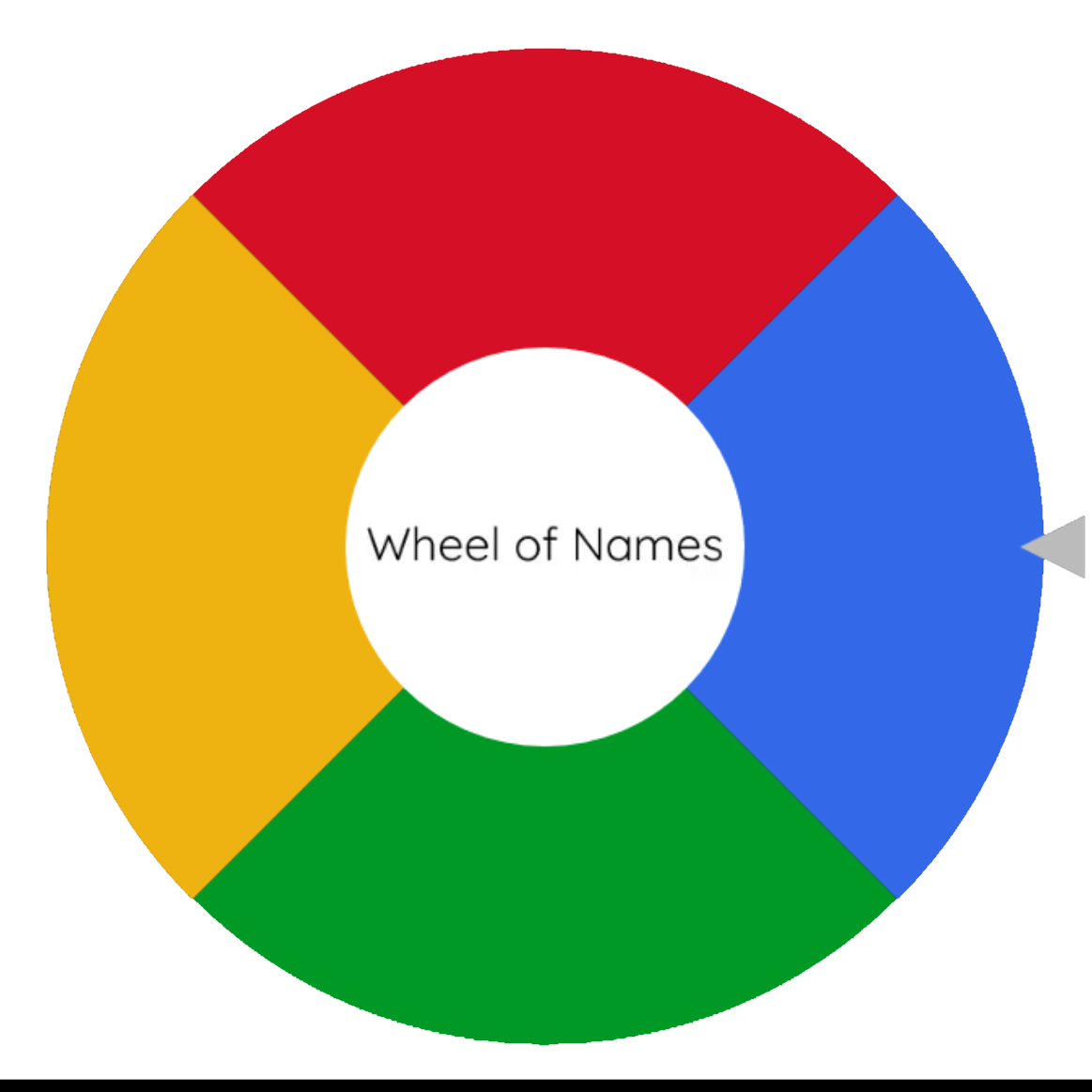
Wheel of Names (wheelofnames.com) is your go-to solution. Simply type in the students' names (or have them call them out), spin the wheel, and let technology choose who participates. Students can't argue with the wheel, and shy students get equal opportunities to shine without feeling singled out.
Use it for choosing reading partners, selecting group leaders, deciding who presents first, or even picking who gets to be the "teacher's helper" for the day. The visual spinning wheel creates anticipation and excitement, turning routine classroom management into a game.
Tool #2: Live Polling – Instant Feedback and Assessment
Want to know if students understand what you're teaching without the awkward silence of "Any questions?" Live polling tools give every student a voice and provide you with instant feedback about their comprehension.

Mentimeter (menti.com) allows students to respond to questions using their phones or classroom devices. Create quick polls like "Rate your understanding of today's lesson from 1-5" or "What's one thing you learned today?" The responses appear in real-time on the interactive whiteboard, giving you immediate insight into student engagement and understanding. For younger students without devices, use Poll Everywhere which works with simple text responses. Students can even participate by raising hands for A, B, or C options while you click their responses on screen.
Tool #3: Digital Timers – Visual Time Management That Actually Works

Time management is crucial in relief teaching, but constantly checking your watch or phone makes you look unprepared. Digital timers displayed on the interactive whiteboard keep everyone accountable while adding a professional touch to your classroom management.
Online Stopwatch (online-stopwatch.com) offers colorful, large-display timers that students can see from anywhere in the room. Set a 10-minute timer for group work, a 3-minute timer for partner discussions, or a 15-minute countdown for completing worksheets.
The visual countdown creates urgency without you having to be the "time police." Students naturally work more efficiently when they can see time ticking away, and transitions become smoother when everyone knows exactly how much time remains.
Tool #4: Interactive Word Clouds – Collaborative Learning Made Visual
Word clouds turn individual student responses into beautiful, collaborative visual displays that celebrate everyone's contributions while reinforcing key concepts.
Wordwall (wordwall.net) allows you to create instant word clouds where students can contribute words or phrases related to your lesson topic. Ask "What words come to mind when you think of friendship?" for a literature lesson, or "Name different types of angles" for mathematics.
As students call out responses and you type them in, the word cloud grows on screen, with frequently mentioned words appearing larger. It's a perfect way to activate prior knowledge, review concepts, or wrap up lessons while making every student's voice visible and valued.

Tool #5: Digital Dice and Spinners – Gamify Any Activity
Sometimes you need to add an element of chance or choice to classroom activities, and digital dice and spinners do this instantly while capturing student attention.
Classroom Screen (classroomscreen.com) offers a suite of simple tools including dice, spinners, and random number generators all in one place. Use digital dice for math problems ("Roll the dice and multiply the numbers"), spinners for choosing activities ("Spin to see if we do the worksheet or the hands-on activity"), or random number generators for creating groups.
These tools work particularly well when you need to make quick decisions about activities or when the lesson plan is thin and you need to stretch content in an engaging way.
Making It Work in Any Classroom

The beauty of these tools is their simplicity and accessibility. They work on any device with internet access, require no downloads or installations, and can be bookmarked for instant access. Most importantly, they work whether you're teaching Year 2 or Year 12 – you just adjust the content and complexity.
Before you use any technology, do a quick check: Is the internet working? Is the interactive whiteboard functioning? Always have a non-tech backup plan, but don't let fear of technology stop you from trying these powerful engagement tools.
Your Next Level of Professional Development
These five tools will immediately elevate your relief teaching game, but they're just the beginning. Technology integration in education is evolving rapidly, and staying current with digital tools and strategies is becoming essential for all educators.
At the Relief Teaching Academy, we're committed to helping you Thrive In The Relief Teaching Classroom with modern, practical strategies that work in today's digital learning environment. Our comprehensive courses don't just teach you to survive – they give you the confidence and skills to excel.
Ready to become the relief teacher that students remember for all the right reasons?
Join thousands of educators who are transforming their practice with proven strategies and cutting-edge resources.
Because in today's classrooms, a little bit of tech savvy goes a very long way.
